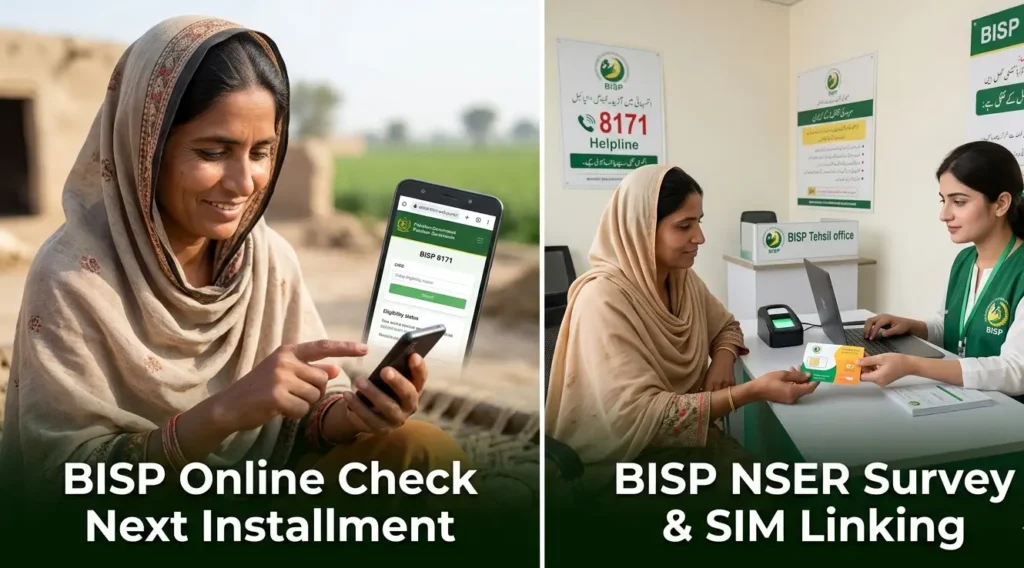
In this article, many of your questions related to the BISP wallet account are going to be answered in detail. A lot of people have been asking that they opened a Benazir wallet account one month, two months, or three months ago, and an installment was also collected against it. So how will they know which account has actually opened?
This article explains, in detail, how to check which bank your account has opened in. It also explains how to activate your Benazir wallet SIM, how to open the account, and from where it can be opened.
Apart from this, many women have also been asking that since they already gave their thumb impression when they first got their SIM, do they need to give their thumb impression again?
This article answers that question as well. It also explains whether a new account will be created again for those who already have an existing account, or not.
Also Read: BISP Wallet SIM Activation Guide: New Biometric Verification Process Explained
Which Bank Will Your BISP Wallet Account Open In?
Whether you received your Benazir wallet SIM two months ago, one month ago, or even ten days ago from the office, you do not need to open the account again. There is no need to open a separate account.
What you need to know is that your account will open in one of five banks, depending on which SIM you received:
- Bank Alfalah
- Bank of Punjab
- EasyPaisa
- JazzCash
- HBL Connect (through a Telenor SIM)
If you already have an existing JazzCash or EasyPaisa account, then your new account will open in a different bank instead.
If you do not already have an account with the relevant network, for example you received a Telenor SIM but do not have a Telenor account, then a Telenor (HBL Connect) account will open for you.
Similarly, if you received a Jazz SIM, a JazzCash account will open for you, provided you do not already have one.
So if you already have an account with any of these services, your new account will simply open against that. This confusion should be removed from your mind.
However, do not make the mistake of opening an account just because you heard something from people who do not have correct information.
How You Will Know Your Account Has Opened
Once your account opens, you will receive a confirmation message. The source of this message depends on which bank or wallet your account has opened in:
- If your EasyPaisa account opens, you will get a message from 3737.
- If your JazzCash account opens, you will get a message from 8558.
- If your HBL Connect account opens, you will get a message from HBL Connect.
This message will come from a four-digit number, not from a regular phone number. The banks through which your account can open are HBL Connect, Bank of Punjab, Bank Alfalah, JazzCash, and EasyPaisa. Your account will not open through any bank other than these five.
The four-digit number sending you the message can be any number, but it will belong to one of these banks.
If you have already started receiving these messages, it means your account has opened. At this point, you do not need to do anything else except visit your retailer.
Do You Need To Do Biometric (Thumb Verification) Again?
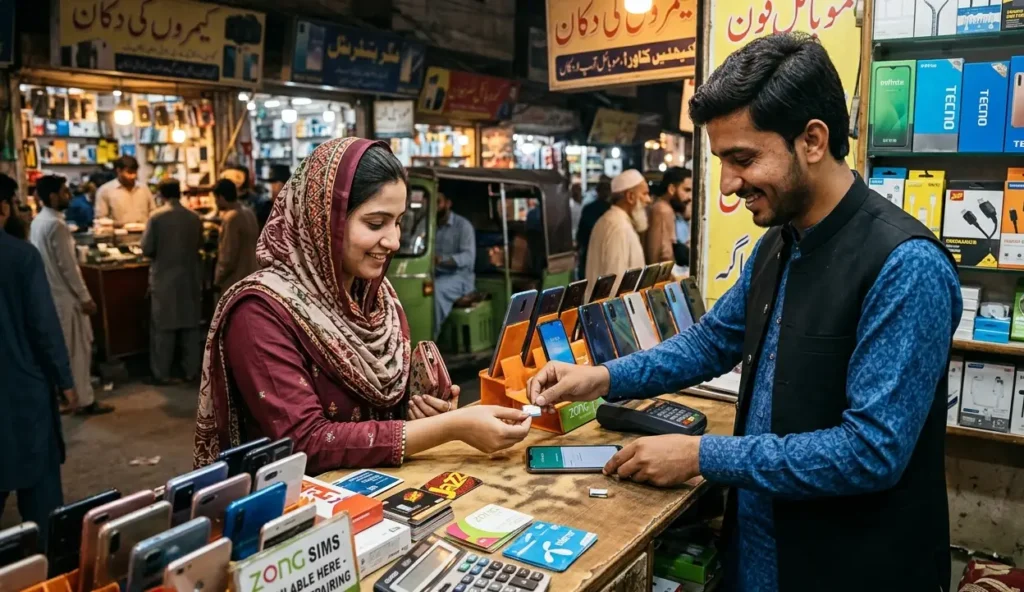
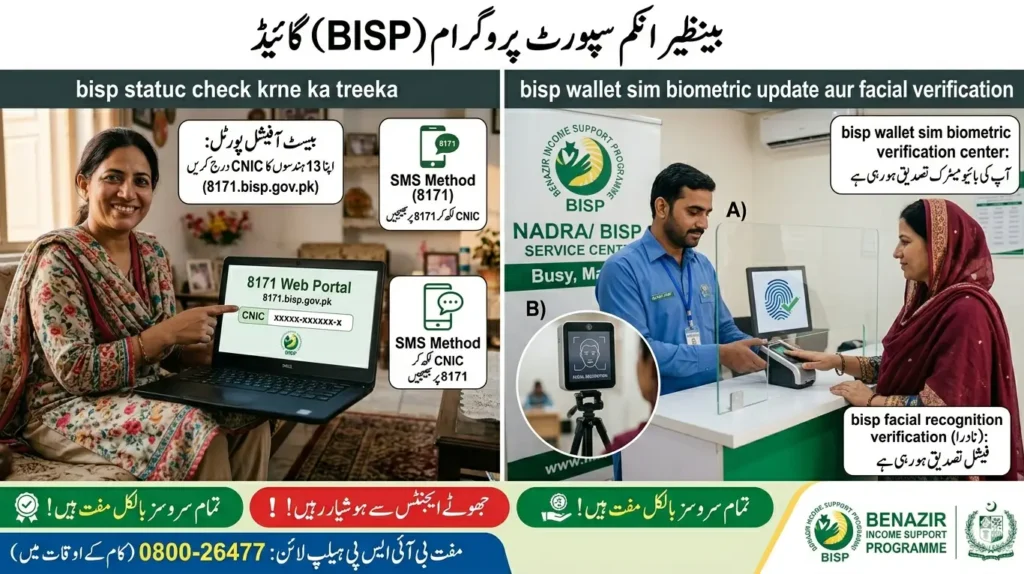
If you have a Telenor SIM, you need to visit an EasyPaisa retailer. There, you will place your thumb for verification.
You need to insert your SIM into a mobile phone and take that mobile phone along with your original CNIC to the retailer.
At the retailer, you will give your thumb impression. After that, your SIM will get activated, an OTP will arrive, and your account will become active. You only need to get it activated; nothing else is required from your side.
Why Biometric Verification Is Being Done Again
The reason thumb verification is being repeated is that, in many cases involving the Benazir programme, the person registered may no longer be alive. Because of this, a re-verification through thumb impression is required.
Even those who had already given their thumb impression earlier will need to give it again. The earlier thumb impression was for opening the account and issuing the SIM. The thumb impression being taken now is for verifying and activating your account.
So now it should be clear why the thumb verification is being asked for again. Many people are confused about this exact point, asking why they need to repeat it when they already did it once. The answer is that yes, you definitely need to do it again.
What To Do If You Have a Jazz or Other SIM
If you received a Jazz SIM or any other SIM, you need to visit your nearest retailer to get your biometric verification done. Not every shopkeeper works as a retailer for this purpose, so you should ask whether they handle Benazir payment withdrawals before going to them.
Since these retailers are usually based in your own area, you will likely already know who handles Benazir payments, or you can ask someone nearby.
Once you visit that retailer, they will complete your verification and your account will open. After this, you will start receiving your payments into this account, and you will also be able to send money to others from it.
How To Withdraw Your Payment
If your account has opened with Bank Alfalah, you can download the Bank Alfalah app to access it. If your account has opened with EasyPaisa, you can transfer funds through the EasyPaisa app.
You can withdraw your payment either through your thumb impression or through your PIN; both methods are available to you. Thumb verification has been made mandatory because this is a digital wallet.
What About The Installment You Already Received?
Some women have mentioned that they received their Benazir wallet SIM two months ago and an installment was also collected against it. This needs to be clarified.
No installment has been credited into the Benazir wallet account yet. The installment that was received two months ago was given through the old method, not through the wallet account.
That older installment was paid the old way and has nothing to do with the new wallet account.
The new installment of Rs 14,500 will be credited into your wallet account. If you do not get your account opened, you will not receive this installment.
If Your Account Is Already Open
If your account has already been created, there is no issue at all. Your new account will be created on top of the existing arrangement without any problem.
Important Tips
- Do not open a new account if you already have an existing one with EasyPaisa or JazzCash; your account will simply open against the existing service.
- Always confirm with the retailer that they specifically handle Benazir payment withdrawals before visiting them for verification.
- Keep your original CNIC and the mobile phone with your SIM inserted ready when visiting the retailer for thumb verification.
- Watch out for confirmation messages from the four-digit numbers belonging to HBL Connect, Bank of Punjab, Bank Alfalah, JazzCash, or EasyPaisa; this is how you will know your account has opened.
- Avoid relying on information from sources who do not clearly understand the programme themselves, as this can lead to mistakes such as closing or reopening accounts unnecessarily.
FAQs
1. How do I know which bank my BISP wallet account has opened in?
You will receive a confirmation SMS from a four-digit number belonging to one of these banks: HBL Connect, Bank of Punjab, Bank Alfalah, JazzCash, or EasyPaisa.
2. Will a new account open if I already have an existing account for bisp?
No. If you already have an account with EasyPaisa or JazzCash, your new account will open against that existing account instead of creating a separate one.
3. I received my installment of bisp two months ago. Will I get it again?
The installment you received two months ago was paid through the old method, not through the wallet account. The new installment of Rs 14,500 will be credited into your wallet account once it is opened.
4. What should I do if I have a Telenor SIM?
You should visit an EasyPaisa retailer, insert your SIM into a mobile phone, and take that phone along with your original CNIC for thumb verification.
5. What if I have a Jazz SIM or another SIM?
You should visit your nearest retailer who handles Benazir payment withdrawals and get your biometric verification done there.
Conclusion
This article has explained which banks your BISP wallet account can open in, how to identify your account through the confirmation SMS, and why thumb verification is being required again.
It has also clarified the confusion around previously received installments and what to do depending on whether you hold a Telenor, Jazz, or other SIM.
If you still have any questions, you can ask them in the comments.