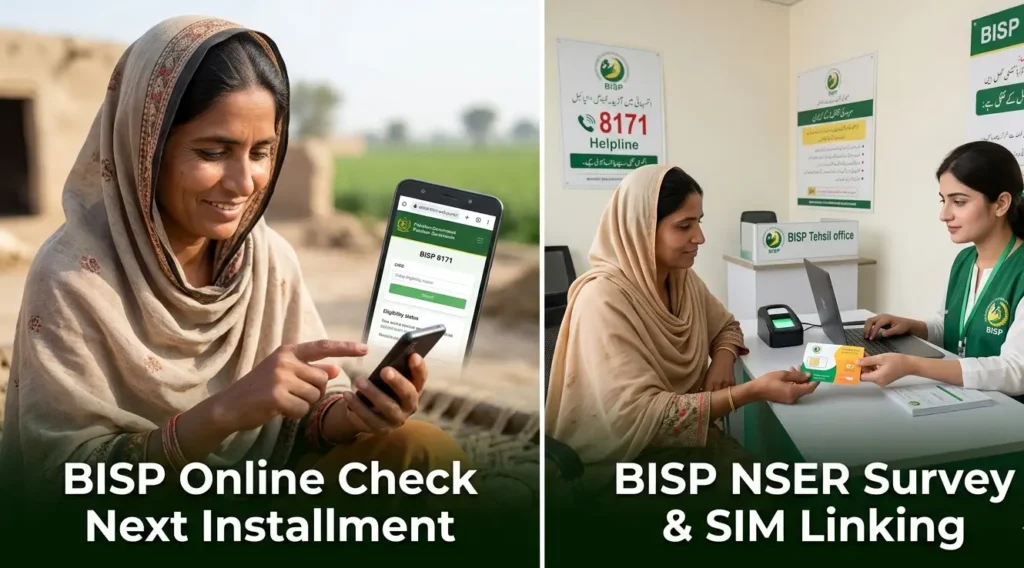
There have been important new updates regarding the Benazir Wallet SIM and how payments will now be processed. If you have already received your Benazir Wallet SIM from the Benazir office, this article is essential for you.
Many people are asking questions about where to go for biometric verification and how to activate their accounts. This article explains the entire process clearly and step by step.
Also Read: Benazir Income Support Program 8171 New Updates June 2026: Survey Reopening
Important Government Update: What Has Changed
Previously, accounts under the Benazir Income Support Programme were being processed and activated through banks and the Benazir offices directly.
However, the government has now shifted this process. To reduce the rush at banks and government offices, payments will now be disbursed through authorized retailers.
This was predicted well in advance. The system has now officially moved to retailers, meaning women registered under the programme will need to visit an authorized Benazir retailer to complete their biometric verification and activate their accounts.
What Happens After Biometric Verification
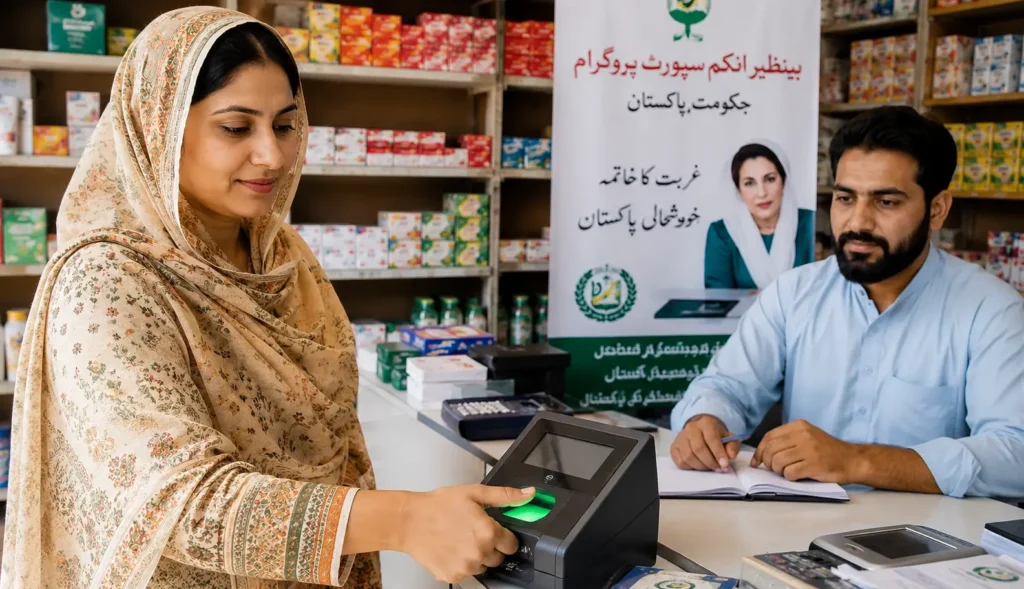
Once your biometric verification (thumbprint) is completed at the authorized retailer, your account will be activated.
After that, Benazir will send your payment directly to your wallet account, and you can withdraw it from the same retailer. The process is straightforward once you visit the right retailer.
Who Has Already Received an SMS Notification
Some registered women have already received an SMS from one of the following numbers: 8558, 3737, or 8282.
The message instructs them to visit their nearest authorized retailer to activate their account through biometric verification.
If you have not received any SMS, do not worry. You can still go to an authorized Benazir retailer and complete your biometric verification to activate your account.
How to Find the Right Authorized Retailer
This is a very important point. Not every shopkeeper or mobile money agent is an authorized Benazir retailer. Here is how to identify the correct one:
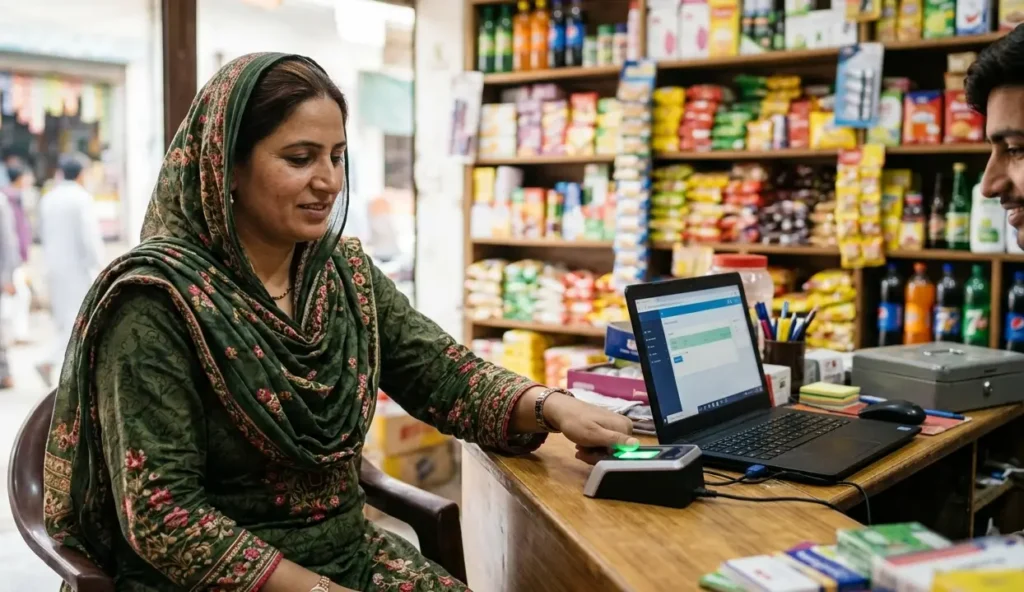
Look for a shop that has a banner outside clearly stating that Benazir payments can be collected from that location. This is the first sign that the retailer is authorized.
Before placing your thumbprint, ask the retailer directly: “Do you have the Benazir verification device?” If they do, when you place your thumb on the device, the Benazir logo will appear on the screen. You must confirm this before proceeding.
Do not place your thumbprint at just any shop. If a retailer does not have the proper device or authorization, they may issue new SIMs in your name or open unauthorized accounts. Always verify first.
Go to the Retailer Matching Your SIM Type
Another key point is to visit the retailer that matches the type of wallet SIM you received:
- If you received a U Paisa SIM, go to a U Paisa shop.
- If you received an Easy Paisa SIM, go to an Easy Paisa shop.
- If you received a JazzCash SIM, go to a JazzCash shop.
Visit the retailer that corresponds to your specific wallet SIM and confirm they have the Benazir verification service available.
What to Bring With You
When visiting the authorized retailer, make sure you carry the following:
- Your original national identity card (CNIC)
- Your Benazir Wallet SIM inserted in your mobile phone
- Your mobile phone with the SIM active
The retailer will ask for your phone number. An OTP (one-time password) may also be sent to your number, so your phone must be with you. Without the OTP, biometric verification cannot be completed.
Banks Are Also Authorized Locations
In addition to mobile wallet retailers, you can also complete your biometric verification at certain bank branches. Banks such as Bank Alfalah and HBL are authorized. If a bank branch has a banner outside indicating that Benazir payments can be withdrawn there, you can go to that branch for your thumbprint verification as well.
Deadline Extended: Last Date to Get Your Benazir Wallet SIM
Good news for women who have not yet collected their Benazir Wallet SIM. The deadline has been extended to 30th June. If you have not collected your SIM yet, you can still visit your nearest Benazir office and get it before this date.
Women who already have an older SIM should insert it into their mobile phone and take it with them to the retailer for biometric verification.
When Will the New Payment Be Released
Regarding the upcoming payment cycle, it has been confirmed that the new payment will be issued after 1st July. Once your biometric verification is complete and your account is active, your payment will be sent directly to your Benazir Wallet account.
Important Tips
- Always visit a retailer who has the official Benazir verification device. Confirm by checking the Benazir logo on the device screen when you place your thumb.
- Do not place your thumbprint at any random shop, even if they claim to be authorized. Unverified retailers may misuse your identity to issue new SIMs.
- If you received your SIM earlier but have not done biometric verification yet, take your phone with the SIM inserted to the correct retailer as soon as possible.
- Stay updated regularly, as the government releases new updates frequently. Acting on outdated or incorrect information can result in your payments being blocked or delayed.
FAQs
Q: I did not receive any SMS from 8558, 3737, or 8282. Can I still activate my account?
Yes. Even if you did not receive an SMS notification, you can visit your nearest authorized Benazir retailer and complete your biometric verification to activate your account.
Q: How do I know if a retailer is officially authorized for Benazir biometric verification?
Look for a banner outside the shop that mentions Benazir payment services. Also, ask the retailer if they have the Benazir verification device. When you place your thumb on the device, the Benazir logo should appear on the screen.
Q: Can I go to any Easy Paisa or U Paisa shop for verification?
No. Not every Easy Paisa or U Paisa shop will have the Benazir verification device. You must first confirm with the retailer that they have this specific service before placing your thumbprint.
Q: What is the last date to collect the Benazir Wallet SIM?
The deadline has been extended to 30th June. Women who have not yet collected their SIM should do so before this date.
Q: When will the next Benazir payment be released?
The new payment is expected to be released after 1st July, once your account is activated through biometric verification.
Q: Can I complete the biometric verification at a bank instead of a retailer?
Yes. Authorized bank branches such as Bank Alfalah and HBL can also process your Benazir biometric verification, provided they display a banner confirming this service.
Conclusion
The Benazir Wallet SIM activation process has moved to authorized retailers under the new biometric verification system.
The key steps are simple: find the right authorized retailer that matches your SIM type, confirm they have the Benazir verification device, bring your CNIC and mobile phone, and complete your thumbprint verification.
Once done, your account will be activated and your payment will arrive in your wallet.
If you have not yet collected your Benazir Wallet SIM, you have until 30th June to do so. After 1st July, the new payment cycle will begin for activated accounts.