If you have a decent mobile phone and a working Wi-Fi connection, you already have everything you need to start earning from home. Most of us spend hours scrolling through our phones every day without getting any benefit from it. If you have no job and are looking for something you can do right from your home, this guide is for you.
This opportunity is especially great for women who want to work from home. The platform covered here requires no degree, no investment, and even no fluency in English. Whether you have passed just a few classes or have a higher education, you can do this. The entire process is explained step by step so that after going through it once, you will be fully capable of supporting your family financially.
What Is This Work About?
This is about creating AI-generated crochet patterns and selling them as digital products online. Crochet patterns are designs people use to knit or craft items like stuffed animals, toys, and decorative pieces. These patterns are in high demand and sell very well on platforms like Etsy as digital downloads.
You will use a free AI tool to generate cute animal-based crochet pattern images, then put them together into a PDF file, and then list that PDF for sale online. Customers buy and download the file themselves, which means once it is listed, it can keep selling without any extra effort from your side.
Also Read: How to Start Guest Posting from Home and Earn Online
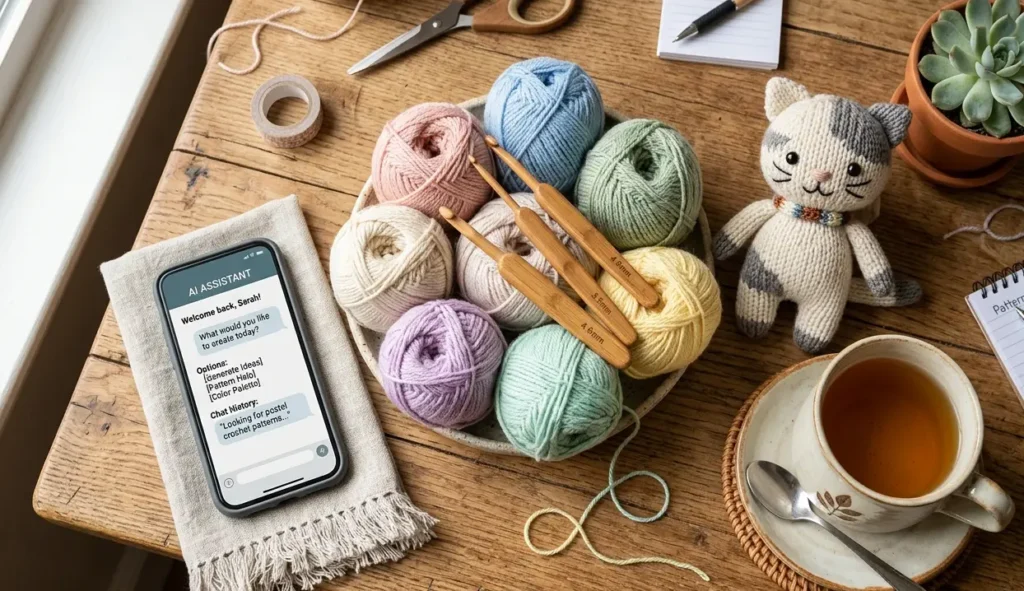
Step 1: Generate Crochet Pattern Images Using Google Gemini
First, open Google and search for Google Gemini AI. Once the interface loads, click on the plus (+) icon and select “Create Image and Edit.”
Now you need to enter a prompt. The prompt is the key to this entire process. A ready-made prompt is provided for this type of work. You simply need to copy it and paste it into the input box.
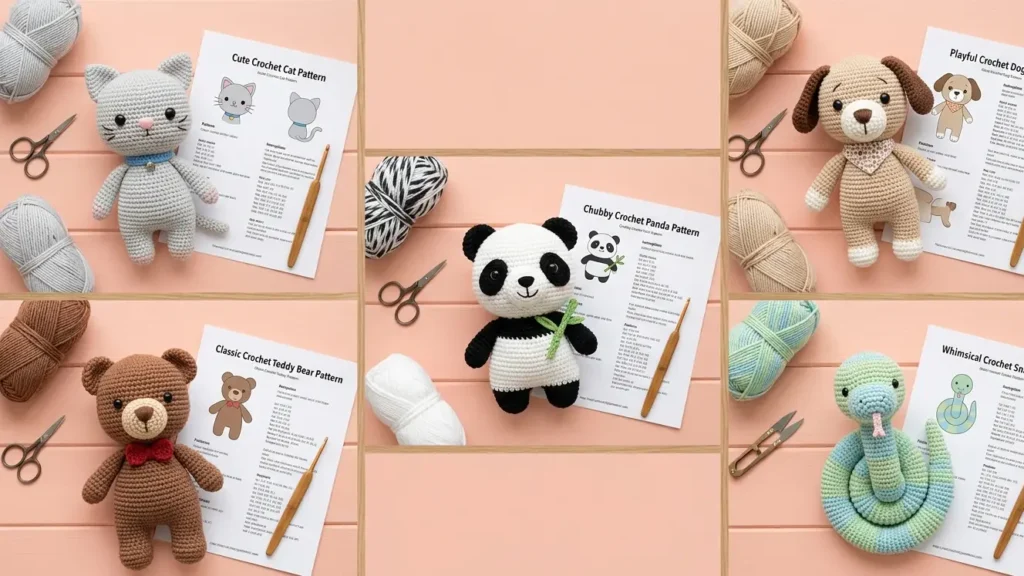
The prompt already has a placeholder where it says Animals. All you need to do is replace that word with the name of a specific animal. For example:
- Cat
- Dog
- Teddy Bear
- Panda
- Snake
- Cow
- Goat
- Camel
Each time you replace the animal name and hit generate, the AI will create a new crochet-style pattern image for that animal within just a few seconds. Download each image as it is generated.
You need to generate and download around 30 to 40 such images, each featuring a different animal. These images will form your digital product.
Step 2: Create Mockups Using Canva
Once your images are ready, go to Canva and click on Templates. In the search bar, type “Mockup.”
A mockup is a presentational image used to make your digital product look attractive on a selling platform. When people browse products online, they click on items that look professional and appealing. A good mockup makes your listing stand out and encourages buyers to purchase.
From the mockup templates available, choose any one that looks good. Then:
- Delete the default image already placed in the mockup.
- Upload one of your AI-generated crochet pattern images.
- Place your image into the mockup frame.
Your mockup is now ready. Create 7 to 8 different mockups using your various images so your product listing looks complete and attractive.
Step 3: Download Your Files as a PDF
After creating your mockups, upload all your generated crochet pattern images to Canva as well. Then download everything together as a single PDF file.
When downloading, make sure to select the following options:
- Compress PDF
- Flatten PDF
These settings ensure your file is clean, lightweight, and easy for customers to download and use. This PDF file is the actual digital product you will be selling.
Step 4: Sell on Etsy
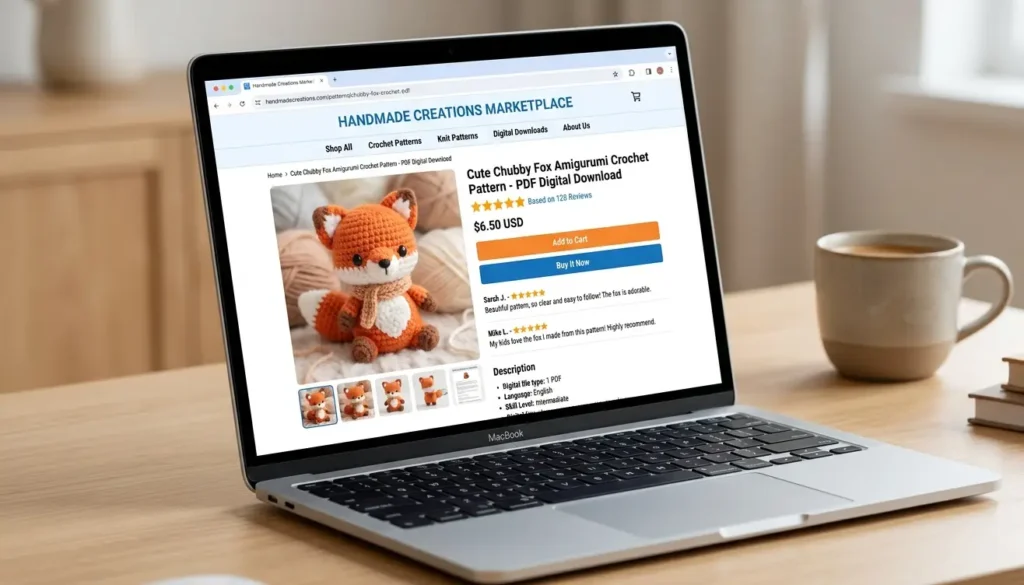
Now it is time to sell. Open Etsy and search for “crochet pattern” to see how this market looks. You will notice that crochet patterns are selling in large numbers. The same style of cat and animal crochet pattern images shown in this guide are already selling there.
This is your proof of concept. People are actively buying these. You do not need to invest money to get started. You do not need a degree. You do not need to speak English fluently. You simply need to:
- Create the patterns using AI.
- Package them into a PDF.
- Upload and list them on Etsy.
A full separate guide on how to set up and work on Etsy, including how to list products and how to withdraw your earnings, is available for reference.
Step 5: Promote Your Products
Once your listings are live, you can promote them on social media to drive more traffic and sales. Some platforms you can use are:
- Pinterest: Great for visual products like patterns and crafts.
- Instagram: Share your mockup images to attract buyers.
- WhatsApp Channels: Build an audience and share your listings regularly.
Consistent promotion on these platforms can significantly increase your visibility and sales over time.
Important Tips
- Always generate at least 30 to 40 images so your product looks comprehensive and buyers feel they are getting good value.
- Make your mockups look clean and professional. A good-looking listing gets more clicks.
- When downloading from Canva, always select Compress PDF and Flatten PDF to ensure file quality.
- You can expand beyond animals as you grow. Other crochet pattern categories like flowers, alphabets, or holiday themes also sell well.
- Promote your listings regularly on social media for consistent sales.
Conclusion
This is one of the simplest and most accessible ways to earn money from home using free AI tools. You generate crochet pattern images with Google Gemini, design mockups in Canva, package everything into a PDF, and sell it on Etsy. No investment, no degree, no English skills required.
With just 2 to 3 hours of work a day, and some consistency in promoting your listings, this can become a solid source of income from the comfort of your home.