
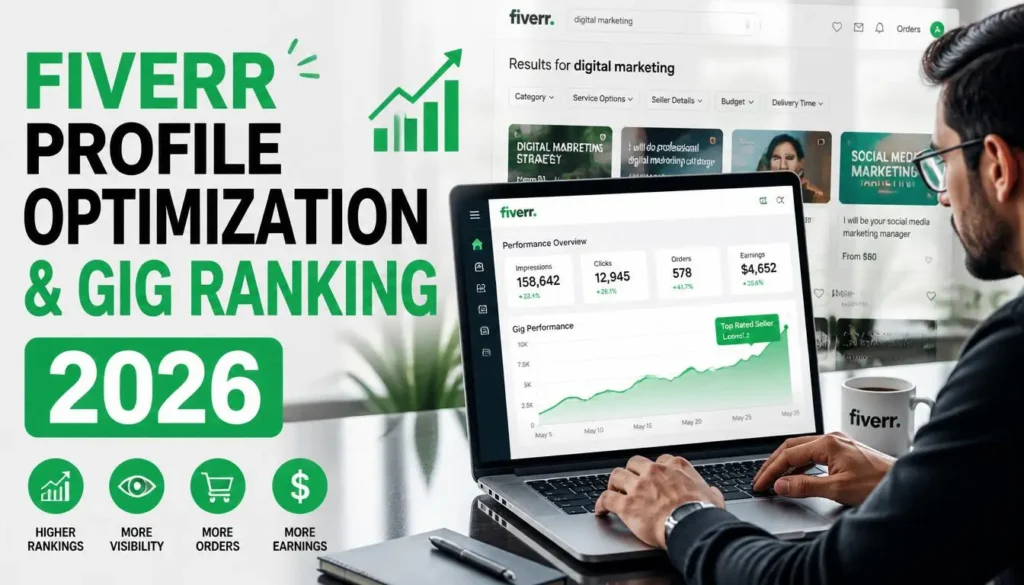
If you want to succeed on Fiverr, two things matter the most, your profile optimization and your gig ranking. In this article, we will cover both in detail.
You will learn what Fiverr profile optimization actually means, why it is important, and how to do it properly. We will also go through the complete gig optimization process and share bonus tips to help you rank faster and get more orders.
According to industry reports, Pakistan is one of the fastest-growing freelancing countries on Fiverr. With the right profile and gig setup, Pakistani freelancers are already earning consistently from clients across the US, UK, and Europe. Whether you are just starting out or looking to improve your existing gigs, this guide will help you get there.
Also Read: Fiverr Gig Ranking Guide for Freelancers (No Paid Ads, No Fake Reviews)
What Is Fiverr Profile Optimization and Why Does It Matter?
Fiverr profile optimization simply means setting up and organizing your Fiverr profile in a professional way. It means making your profile look clean, complete, and trustworthy.
Here is why it matters:
First Impression: When a client visits your gig, a well-optimized profile immediately builds authority and makes the client feel confident about hiring you.
Higher Gig Ranking: When you optimize your profile correctly, Fiverr gives your profile more visibility, which directly leads to more orders.
Showcase Your Skills: A properly set-up profile lets you display your skills and portfolio to convince potential clients.
Components of Fiverr Profile Optimization
There are five main components you need to focus on when optimizing your Fiverr profile:
- Profile Picture and Cover Image
- Profile Description
- Skills and Expertise
- Portfolio or Work Samples
- Languages and Certifications
If you already have work experience, you likely already have most of these ready. You just need to go to Fiverr and upload them in the right places.
Related: How to Choose the Right Skill and Niche on Fiverr in 2026
How to Optimize Each Part of Your Fiverr Profile
Profile Picture
Your profile picture should be clear, professional, and approachable. Avoid selfies and casual photos. A formal-style photo works best because it tells the client that you are serious about your work and that you are capable of delivering results.
Profile Description
Write a short, clear description that highlights your skills and experience with relevant keywords. You can write it yourself or use an AI tool like ChatGPT or Gemini to help you draft it. The key is to make it keyword-rich while keeping it natural and readable.
Here is what a good profile description should do:
- Introduce who you are and what you do
- Mention your key skills and years of experience
- Include relevant keywords naturally
Skills and Expertise
Add all relevant skills that match your services. For example, if you work in design, you can add skills like Graphic Design, T-Shirt Design, Poster Design, Branding, or Digital Marketing. Add whatever skills you are good at.
Portfolio or Work Samples
Upload 5 to 10 high-quality images of your past work to your profile portfolio section. These do not have to be design-only, they can be samples from any type of work you do. Note that for individual gigs, Fiverr allows up to 3 images per gig. A strong portfolio builds credibility and helps clients make a decision faster.
Languages and Certifications
Always add English as a language. You can also add your local language or any other language you know. Additionally, upload relevant skill-related certificates. This increases your credibility and makes your profile look more trustworthy.
Fiverr Gig Optimization
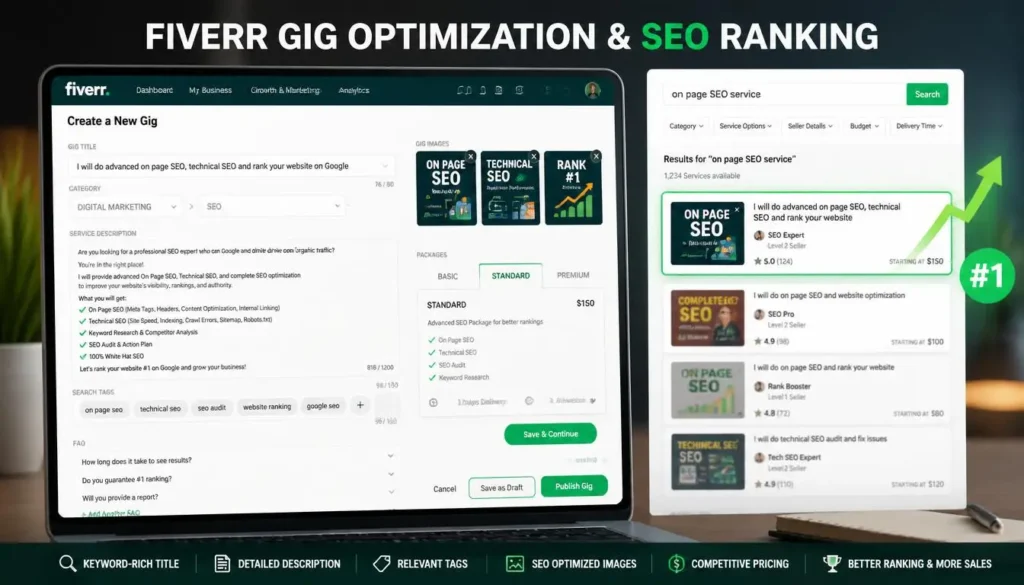
Once your profile is ready, the next step is to create and optimize your gigs. Here is what each part of a gig needs:
Gig Title
Keep the gig title clear and keyword-focused. Your gig title is one of the most important ranking factors on Fiverr, so make sure it includes your main keyword.
Gig Description
Write a detailed description that focuses on the benefits you provide. Include your target keywords naturally throughout the description. The gig title, description, and tags are the three most important elements for ranking.
Tags and Keywords
Research and add target keywords that match your service. Think about what your clients would search for, and use those exact words in your tags.
Packages and Pricing
Clearly define what you offer in each package and at what price. Set competitive, value-based pricing by doing proper market research before finalizing your rates.
Gig Images and Video
Use high-quality visuals. Add one main image and two sample or example images. You can also add one video to your gig if you want. Good visuals attract clients and signal quality to the Fiverr algorithm.
FAQ Section
Add a Frequently Asked Questions section to your gig. Think about the questions a client might have about your service and answer them clearly. This reduces back-and-forth messages and builds confidence.
Step-by-Step Fiverr Optimization and Gig Ranking Strategy
Now that you know the components, here is a step-by-step process to optimize and rank on Fiverr:
Step 1 – Optimize Your Profile: Add a professional picture, relevant skill tags, a keyword-rich description, your portfolio, and your certificates.
Step 2 – Create an Optimized Gig: Use a keyword-rich title, write a detailed description, and add your images, video, and portfolio samples.
Step 3 – Set Competitive Pricing: Do market research and set pricing that is competitive and reflects the value you provide.
Step 4 – Apply Fiverr SEO Strategies: Fiverr works just like a search engine — clients search for services, and Fiverr shows them the most relevant results. Use your target keywords naturally in your gig title, description, and tags so you appear in search results.
Step 5 – Update Your Gigs Regularly: Update your gigs from time to time. This signals to the Fiverr algorithm that you are active, which can improve your ranking and lead to more orders.
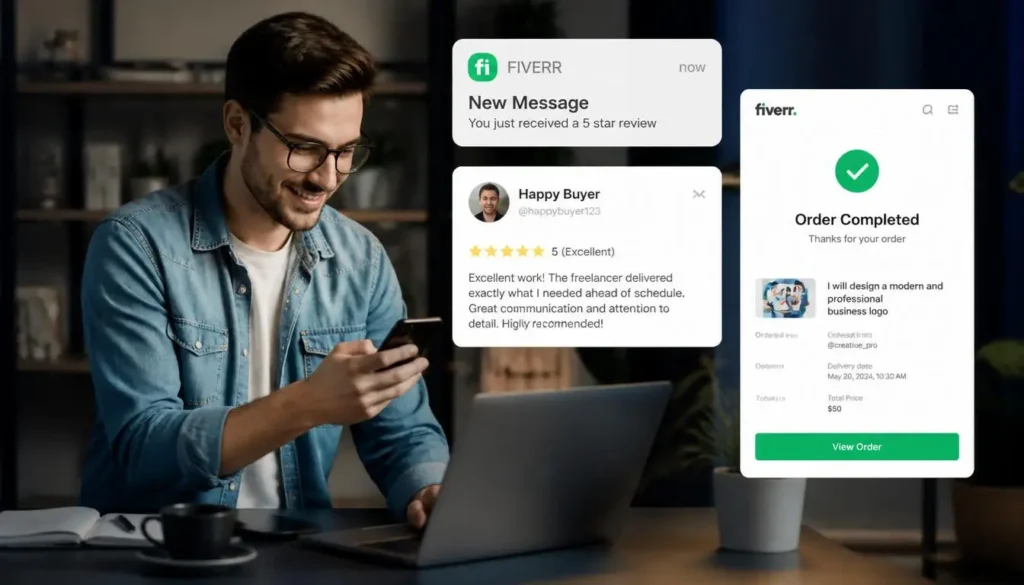
Step 6 – Encourage Client Reviews: After completing an order, if a client does not leave a review, politely ask them to. Reviews help build trust and are a strong factor in gig ranking.
Step 7 – Promote Your Gigs Externally: Share your Fiverr gigs on social media platforms like LinkedIn and Twitter. External traffic can boost your gig visibility and ranking.
Step 8 – Monitor and Adjust: Keep an eye on your gig impressions, clicks, and orders through Fiverr Analytics. Based on the performance data, optimize your title, description, tags, or images as needed.
Complete Gig Checklist
Before you publish or update a gig, make sure you have all of these ready:
- Keyword-rich title
- Detailed, benefit-focused description
- Relevant tags
- High-quality images (main image + two samples)
- Optional video
- PDF or additional samples (if applicable)
- FAQ section
If everything above is in place, you are in a strong position to rank your gig quickly.
FAQs
Q: What is Fiverr profile optimization?
Fiverr profile optimization means setting up your profile in a professional and organized way, including your picture, description, skills, portfolio, and certifications, so that you rank higher and attract more clients.
Q: How many portfolio images should I upload to Fiverr?
Upload 5 to 10 high-quality images of your past work to make a strong impression on potential clients.
Q: Why should I update my gigs regularly on Fiverr?
Regular updates signal to the Fiverr algorithm that you are an active seller, which can improve your ranking and bring in more orders.
Q: Does promoting gigs on social media help with Fiverr ranking?
Yes. Sharing your Fiverr gigs on platforms like LinkedIn and Twitter drives external traffic, which can positively impact your gig visibility and ranking.
Q: How important are client reviews on Fiverr?
Very important. Reviews build trust with future clients and are a key factor in how Fiverr ranks your gigs.
Q: Can I use AI tools to write my Fiverr profile description?
Yes. You can use tools like ChatGPT or Gemini to help write your profile description. Just make sure the final result is clear, keyword-rich, and sounds natural.
Conclusion
Fiverr is not a platform where you set things up once and wait. It rewards sellers who stay active, keep improving, and pay attention to what the data tells them. The good news is that every step in this guide is within your control. A professional profile signals trust. A keyword-focused gig gets you found. Regular updates keep you visible. Client reviews build your reputation over time.
Start with your niche, get your profile and gig fully ready, and then treat it as a long-term effort. Sellers who rank well on Fiverr are not necessarily the most talented; they are the ones who stay consistent.
Disclaimer: Fiverr’s algorithm and platform policies may change over time. The tips shared in this article are based on general best practices and may need to be adjusted as the platform evolves. Always refer to Fiverr’s official guidelines for the most current information.